Features

The control layer for QR campaigns that keep moving.

GeoQR keeps printed codes stable while destinations, local market rules, brand assets, and campaign reporting evolve behind the scenes.

Routing

Send every scan to the right place

Publish one durable QR and keep changing the destination, fallback, and local market rules after print.

Brand

Make printed codes feel trustworthy

Keep campaigns recognizable with branded domains, consistent QR styling, PNG or SVG exports, and clean destination pages.

Analytics

Measure the campaign after it leaves the screen

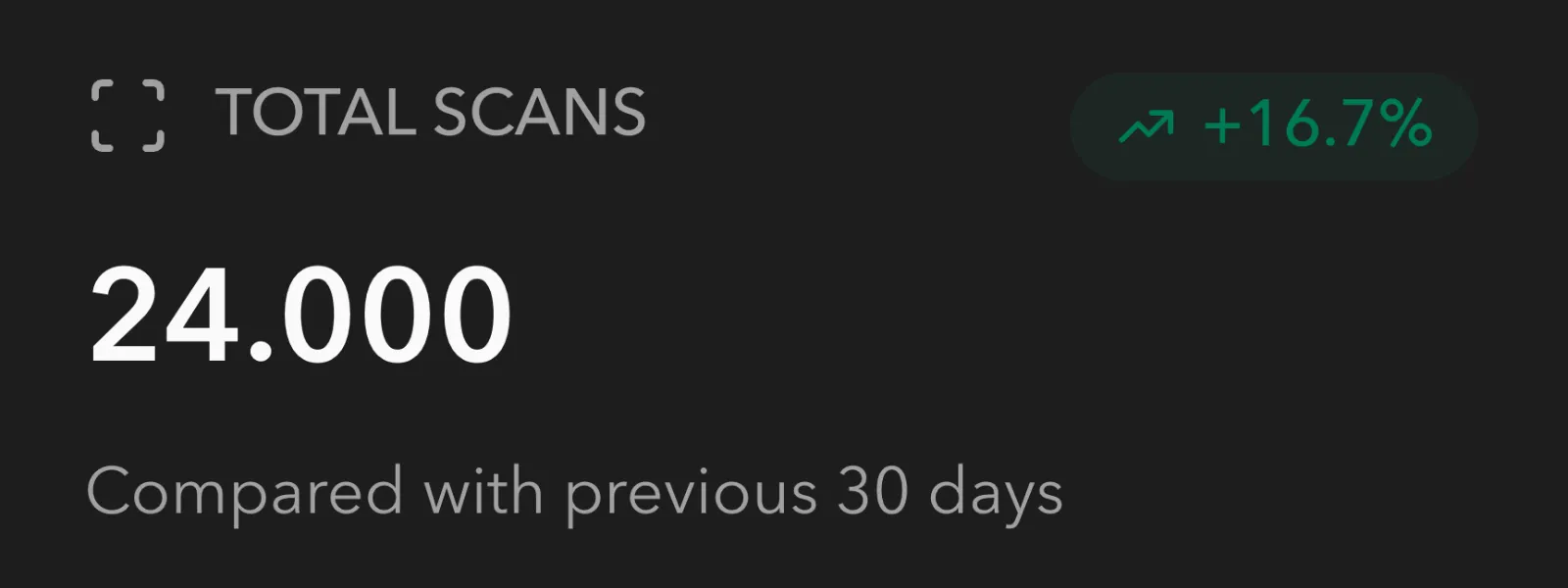
Review scan activity, spot rollout patterns, and use safety checks before a risky URL reaches customers.

Capabilities

Built for printed assets that need digital flexibility.

Each feature is designed around the same practical constraint: once the QR is printed, the code should stay in place while your campaign keeps adapting.

Regional paths

Localized
Geo Redirects

One QR can support a multi-market rollout

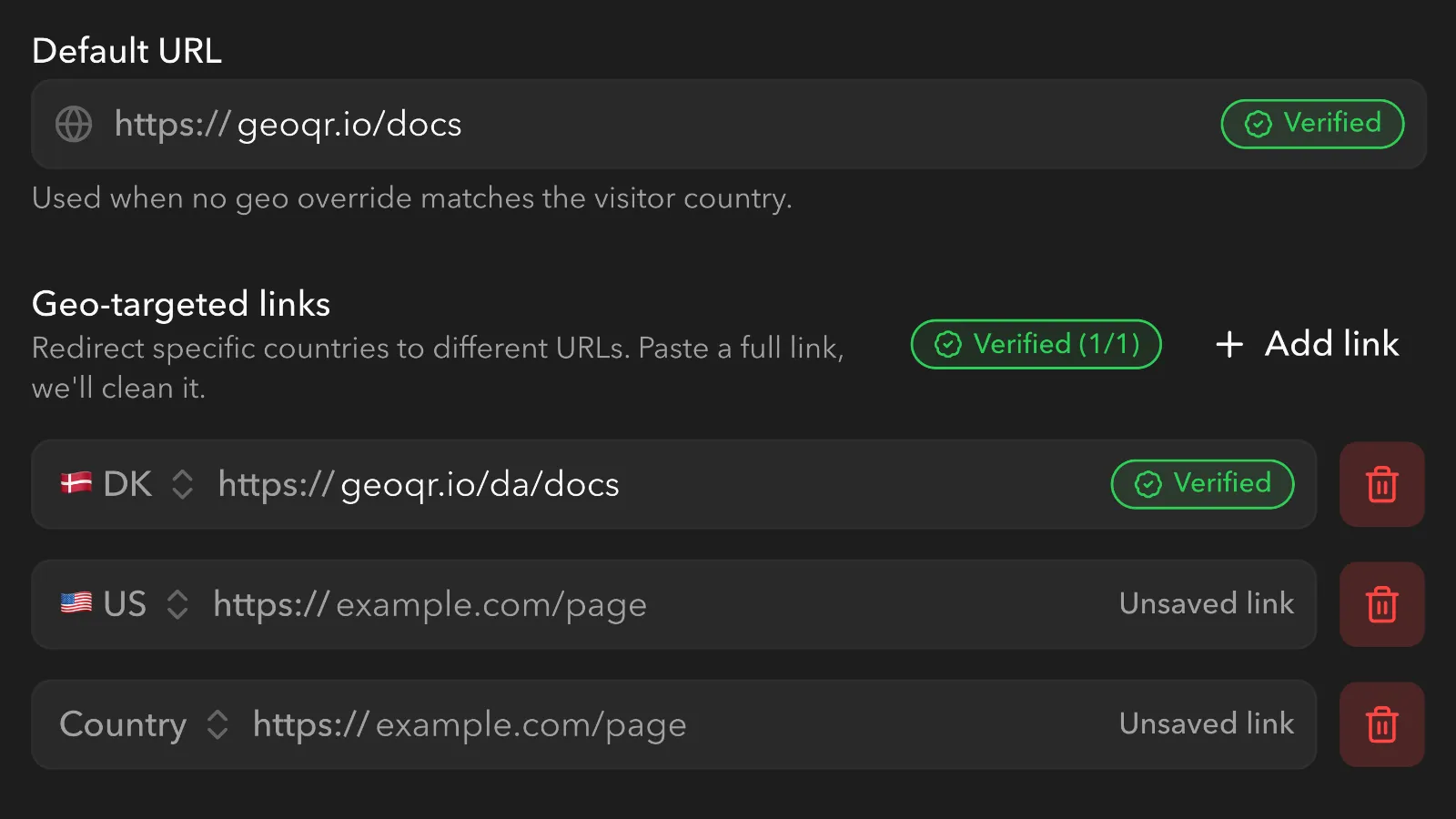
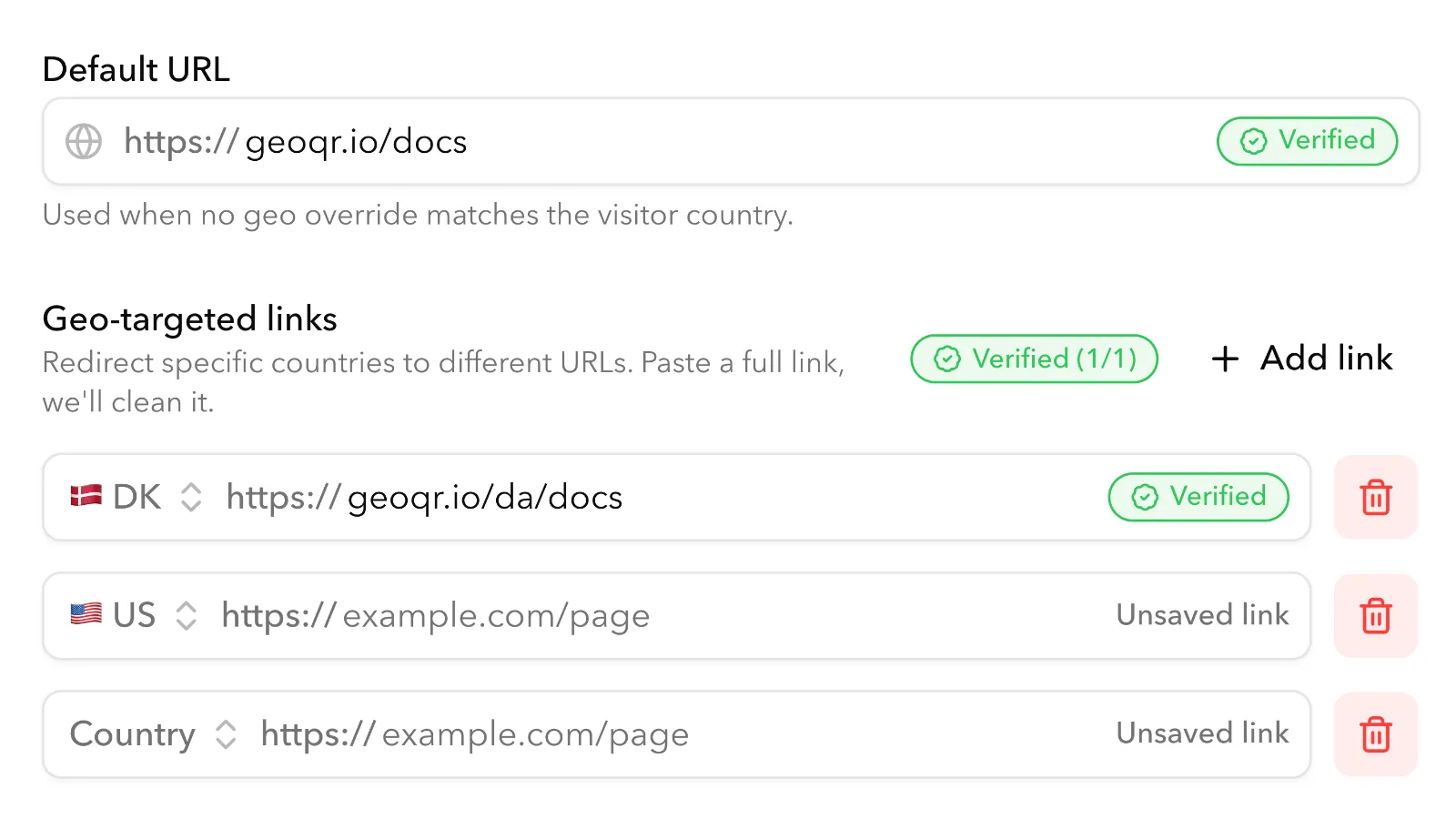
Set a default destination, add country-specific overrides, and update rules as markets change. The physical code stays stable while the redirect logic stays editable.

  • Country-level routing
  • Default fallback destinations
  • Editable redirect rules

Campaign shelf

Reusable

Campaign Control

Keep the printed asset, change what happens next

Use the same QR system across packaging, signage, menus, and launch collateral. Teams can export QR artwork as PNG or SVG, then refresh offers or landing pages without replacing printed assets.

  • Post-print destination updates
  • Shared campaign management
  • PNG and SVG QR exports

Signal review

Reviewed

Scan Intelligence

Turn scans into decisions your team can act on

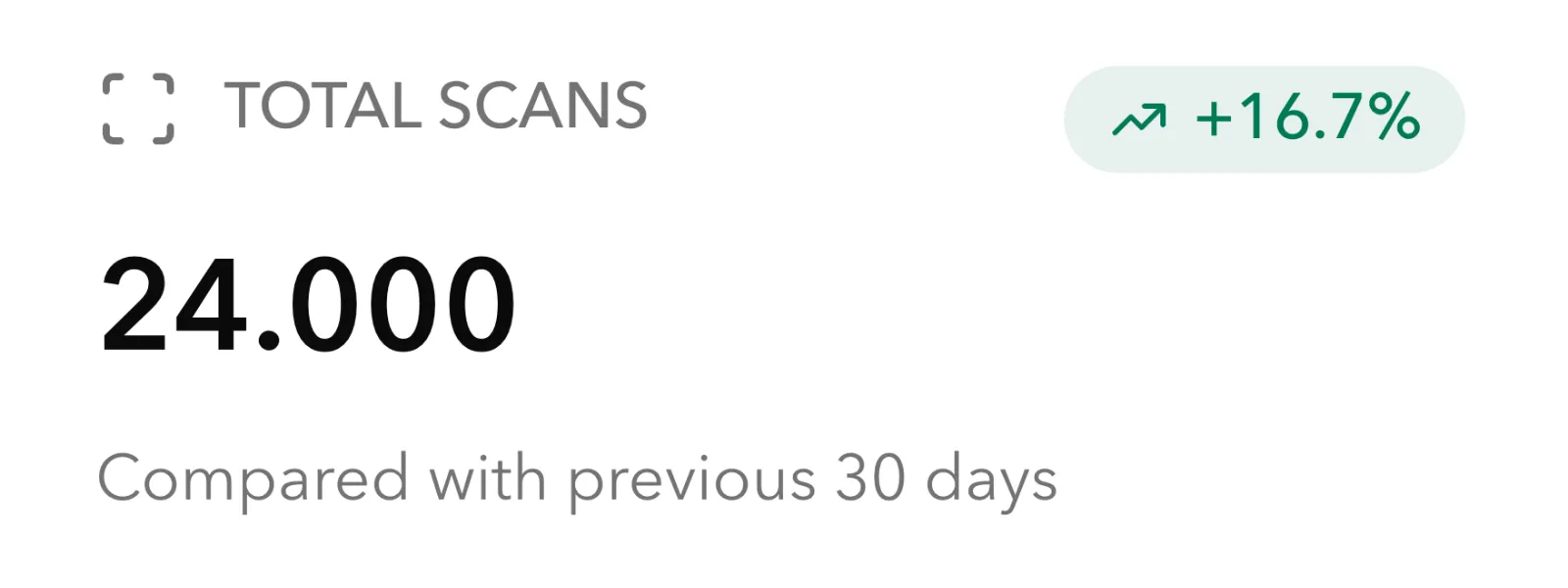
Understand where engagement is coming from and keep destination links under control before customers scan. GeoQR keeps the operational layer visible without crowding the campaign.

  • Scan activity overview
  • Destination safety checks
  • Market-level performance context
Workflow

From first print run to every update after.

The feature set follows the real campaign lifecycle: create the asset, decide where scans should go, and keep improving after the QR is already in the world.

01

Design the code

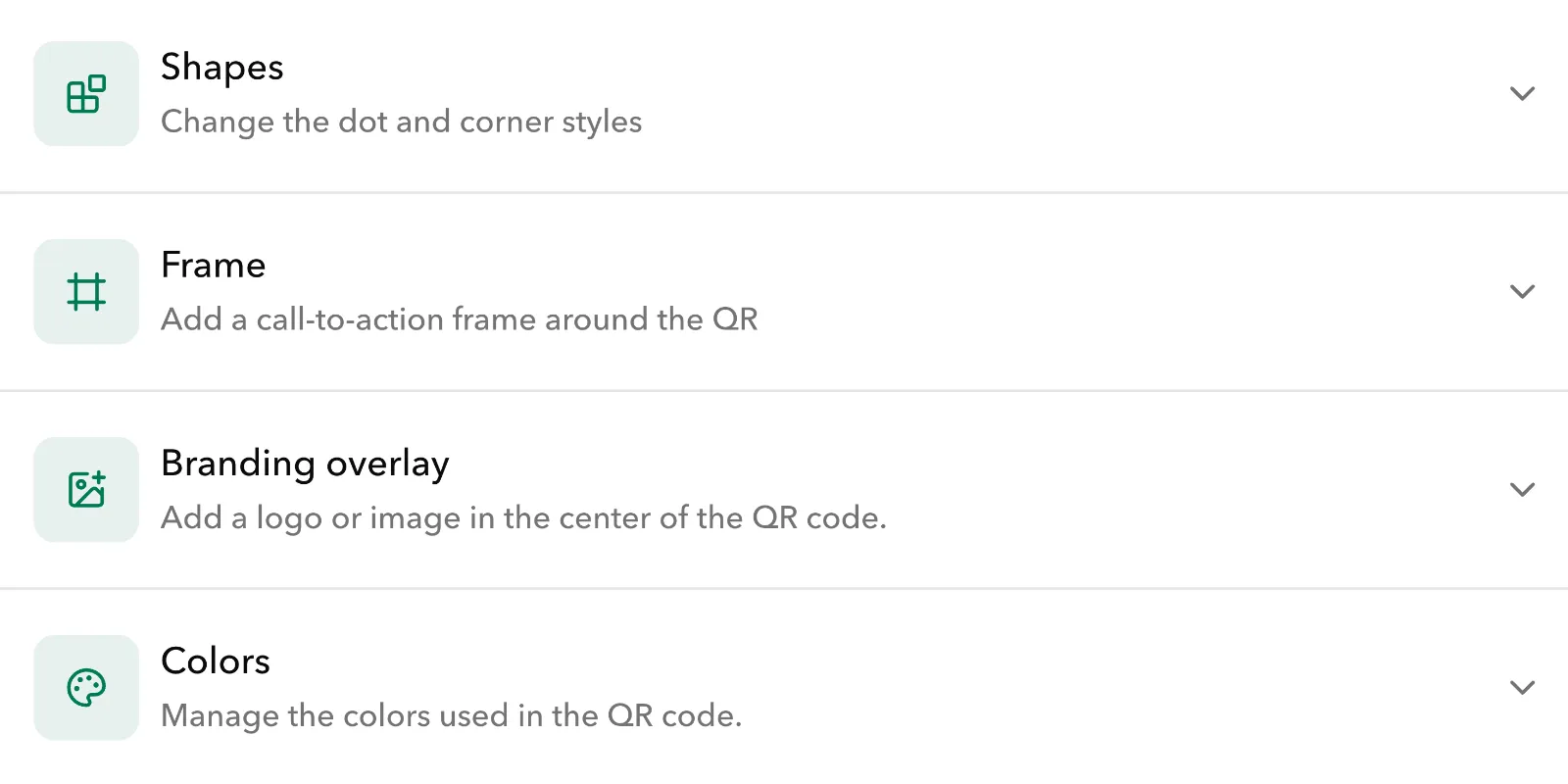
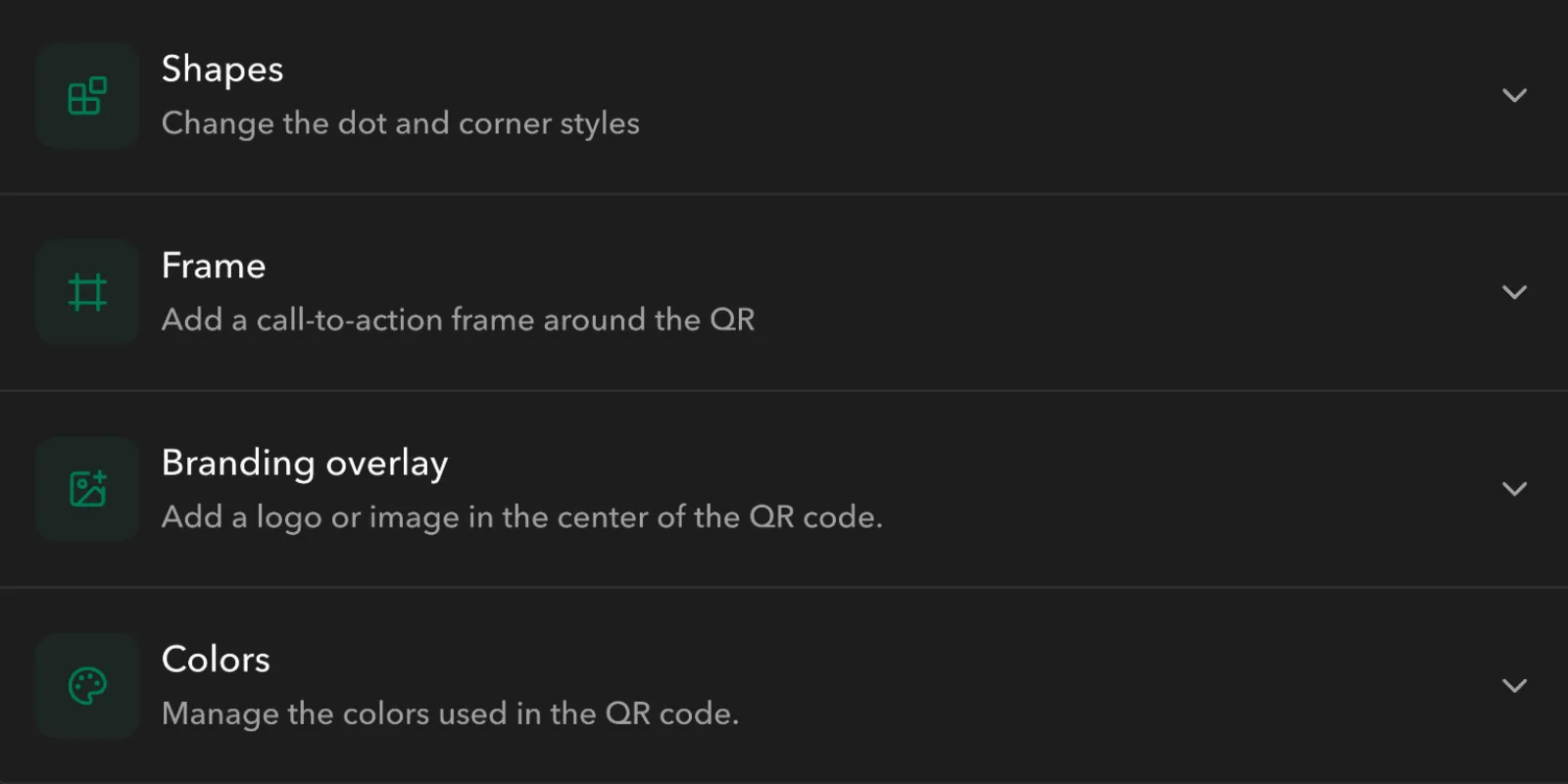
Create a branded QR once, choose colors, dot shapes, corner styles, frames, and logo overlays, then export PNG or SVG artwork for packaging, retail displays, event signage, or print collateral.

02

Set the routing

Connect the default destination and add market-specific redirects for regions that need local pages or offers.

03

Keep improving

Ship the printed campaign, review scan activity, and update destinations as offers or content change.

Included

Everything teams need before and after the code is printed.

Start with the essentials, then expand into custom domains, higher scan volume, and larger media libraries as campaigns grow.

  • Dynamic QR destinations
  • Country-specific redirect rules
  • Fallback URLs for unmatched scans
  • Branded domains
  • Reusable QR styling
  • PNG and SVG QR exports
  • Custom colors, shapes, frames, and logos
  • Scan analytics
  • Destination safety checks
  • Media and campaign asset support